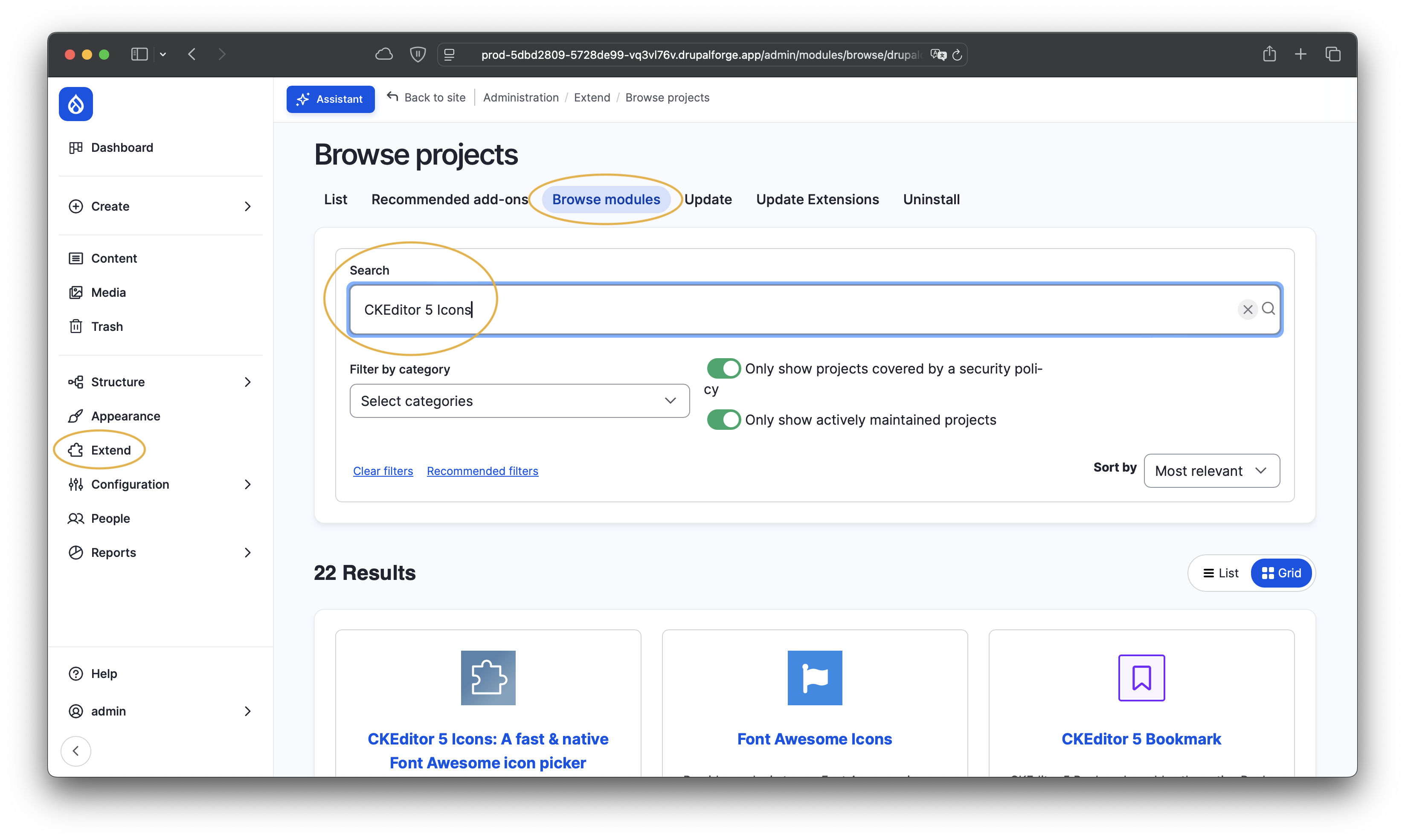
CKEditor 5 Icons
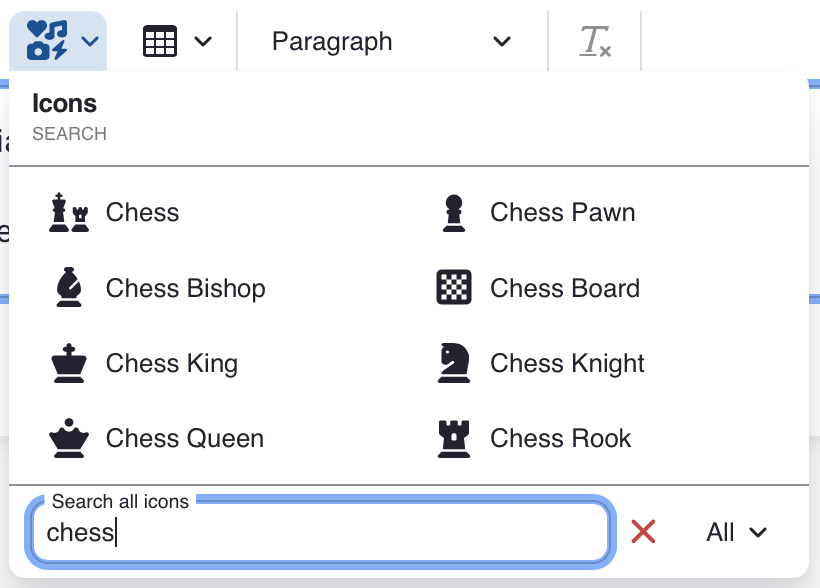
CKEditor 5 Icons is the easiest way to add Font Awesome icons directly to content on your Drupal website. Use Drupal’s inbuilt CKEditor to easily insert, move, or delete icons alongside text and other elements in a fully WYSIWYG experience. Works with Font Awesome 6 Free and Pro.
Search
Browse
Customize
All Features
For content editors
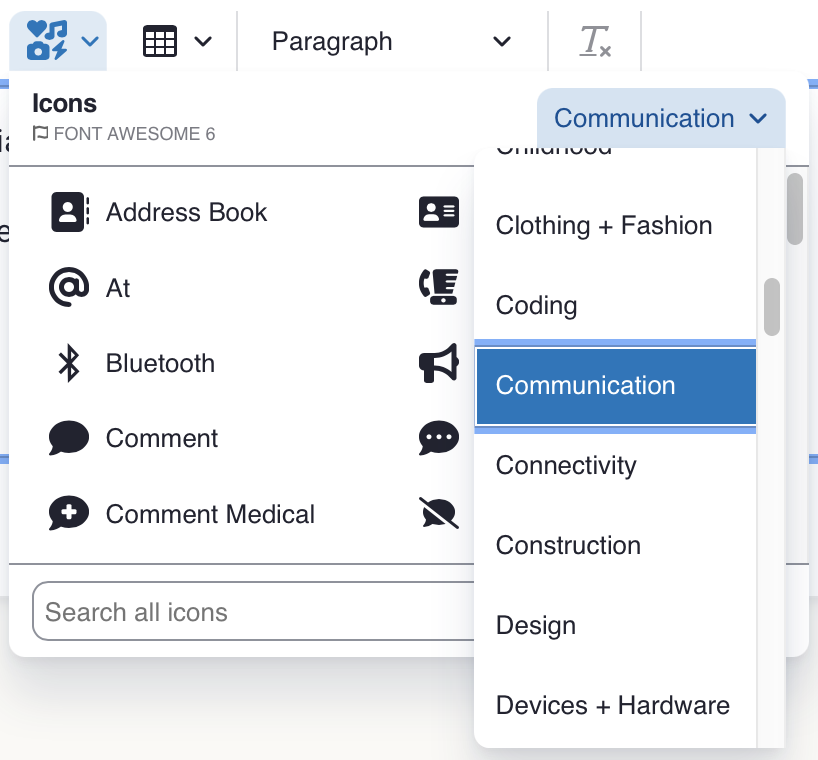
- Browse through all Font Awesome icons or Font Awesome's provided categories without leaving CKEditor.
- Search for the icon you're looking for with a fast and entirely client-side icon search.
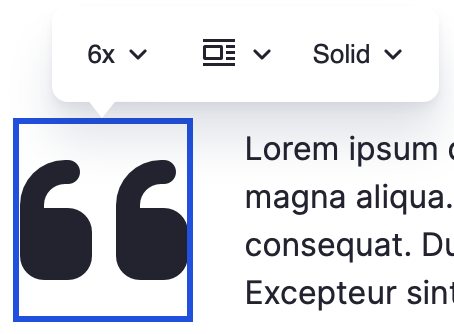
- Change the Font Awesome style of an icon either from the icon picker or after you insert it via a convenient widget toolbar.
- Change the size and alignment of the icon easily from the toolbar.
- Icons inserted using this plugin have all the qualities of a CKEditor 5 inline widget. Cut and paste or drag them around as you see fit!
For admins
- Change between Font Awesome 6 and legacy Font Awesome 5. Both are supported.
- Add a default "Recommended" category with frequently-used icons specific to your site.
- Add or remove any Font Awesome style (such as Solid, Regular, Brands) from the picker.
- Supply Font Awesome Pro metadata.
For developers
- Build a custom CKEditor 5 plugin to add your own items to an icon's toolbar, simply by altering the
icon.toolbarItemsconfiguration.
Frequently Asked Questions
Font Awesome is one of the most popular icon toolkits on the internet. Use Font Awesome icons to provide visual cues and make content on your website more appealing.
Compared to emojis, these icons are designed to be less distracting and their appearance doesn’t vary based on your user’s OS or browser. They also offer more options for size and alignment, and brand icons for popular platforms such as Instagram and Bluesky.
Yes, CKEditor 5 Icons and Font Awesome Free are both 100% free and open source. CKEditor 5 Icons is licensed under GNU General Public License 2.0 and Font Awesome Free icons are licensed under CC BY 4.0.
Font Awesome Pro is a separate paid offering which offers additional icons and styles. SilverCrater, Inc. is not affiliated with Fonticons, Inc. and does not collect a commission on subscriptions.
Yes! Font Awesome 7 support is currently in development.
CKEditor 5 Icons is a separate project which enables insertion of icons directly in CKEditor and rich text fields, rather than the much more limited approach of using a Drupal field type dedicated specifically to icons. CKEditor allows Font Awesome icons to be combined with text, images, and more in a fully WYSIWYG experience.
The Font Awesome module previously included a plugin for CKEditor 4 and older Drupal versions such as Drupal 7, but it has not been made compatible with CKEditor 5.
Visit the Drupal.org issue queue and create an issue (requires a Drupal.org account), or contact SilverCrater directly.
Yes! More detailed documentation is coming soon.